

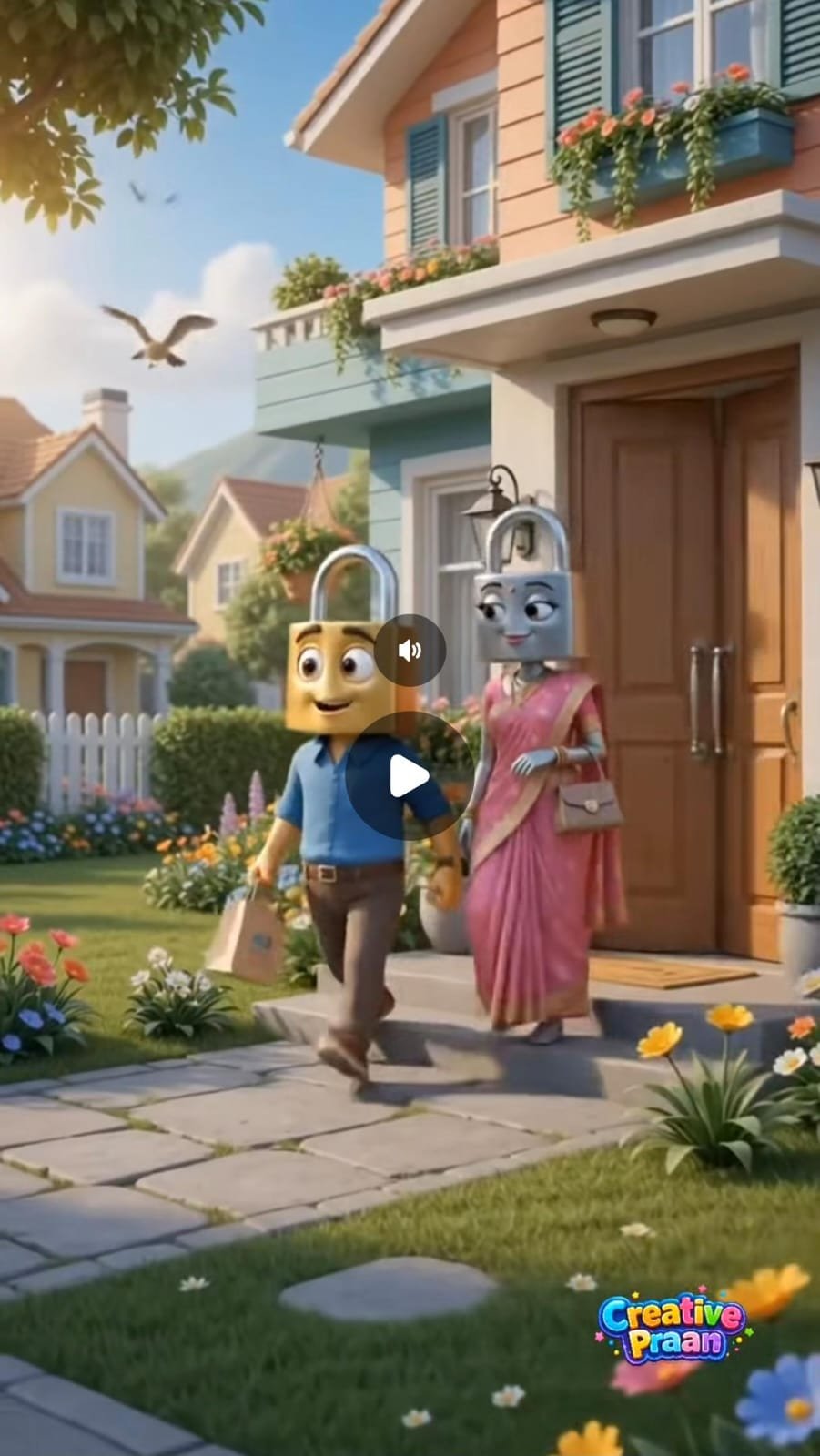
An animal vs human role reversal video is based on a simple idea: animals and humans exchange their normal roles. The animal behaves like a normal human. It may have a family, live in a house, wear clothes, go shopping, work at a job, or take care of its children. Humans, on the other hand, behave like the selected animal.
How To Create Ai Video
I am telling you the process of making this video, how you have to make this video.I am explaining each process step by step. Now you can easily make your own AI video by following the steps given.
The process of making a video is divided into 2 parts, first of all you have to generate a script for your video and after that, you have to insert its video prompt in the video AI tool and convert it into video.
Generate Your Script
- For the script, first of all you have to download the Chatgpt app from Google Play Store and then login to it with your Gmail account.
- Below you have to scroll down and click on Get Your Script
- After that, copy and paste the entire prompt given in front of you and write the name of the animal or creature whose video you want to make in the column given below.
- After that you have to click on send, in a short while Chatgpt will give you the script for your video along with the video prompt.
Step To Create Your Video
- To make a video, first of all you have to copy the entire prompt of scene 1.
- After that you have to click on the “Create Your Video” button given below.
- Then open Google Flow and log in. Then click on New Project.
- Now select the video option and keep the duration as 10 seconds, and select omni flash.
- Now paste the prompt you copied and click send. Google Flow will start making your video.
- Your video will be ready in a short while. You can also create a video for Scene 2 by following the same process.
- Once all the scenes are generated, you just need to upload them to a video editing tool and edit them a little and your video is ready.
✦
AI Prompt
Tum professional Al cinematic video prompt engineer ho. Main ek simple idea dunga; usse ONE continuous, ready-to-use Al video prompt banao jo Veo 3, Seedance, Kling, Hailuo ya kisi advanced video generator mein directly paste ho sake.
18.7K
RULES:
Duration exactly 10s. Pehle 3s mein Reverse World concept instantly clear ho.
Puri duniya reverse logic pe chale characters, social behaviour, activities, objects, background, environment sab real world ke opposite. Characters ke liye yeh reality bilkul normal ho: koishock, surprise ya confusion nahi. Comedy sirf reversed situations, visual
logic aur natural interactions se aaye. Concept fresh, original, unpredictable, funny, viral-worthy. Idea creatively expand kar sakte ho par Reverse World theme kabhi na toote.
FACE RULE: koi real human face, live-action ya photorealistic person, reaction face, facecam, host, influencer, commentator, green-screen reaction, PiP, split-screen, floating head – kuch bhi nahi. Kisi corner ya overlay mein external reaction person nahi. Sirf main animated scene aur uske original 3D characters.
Style: premium Pixar-inspired cinematic 3D animation – expressive characters, consistent design, detailed environments, believable physics, polished textures, film-quality render.Camera movement, expressions, body language, actions, background activity, lighting, ambient sound aur SFX naturally integrate karo. Dynamic camera
+ fast-paced storytelling; har second engaging ho aur reversed situation quickly escalate kare.
Aspect ratio strictly 9:16 vertical. Screen par koi text, caption, subtitle, logo, watermark ya Ul nahi.
Ek seamless continuous sequence lage random cuts, disconnected shots, faltu transitions, sudden location change aur continuity errors avoid karo. Characters, objects aur environment ki continuity maintain rahe.
Prompt Hinglish mein ho; characters ke dialogues sirf Hindi mein – short, natural, funny, relatable, real conversation jaise.OUTPUT: sirf ONE final continuous
prompt. Koi explanation, heading, note, intro ya extra text nahi.
Idea.
Humans ko water bottel bana do or water
bottal ko humans
✓ Prompt Copied Successfully!